
The Best Microsoft Edge extension to Download Web Videos
Easily detect and download HLS, M3U8, and MP4 video streams directly within your Edge browser. StudioVid offers a professional, local-first workflow to save web content for offline editing.
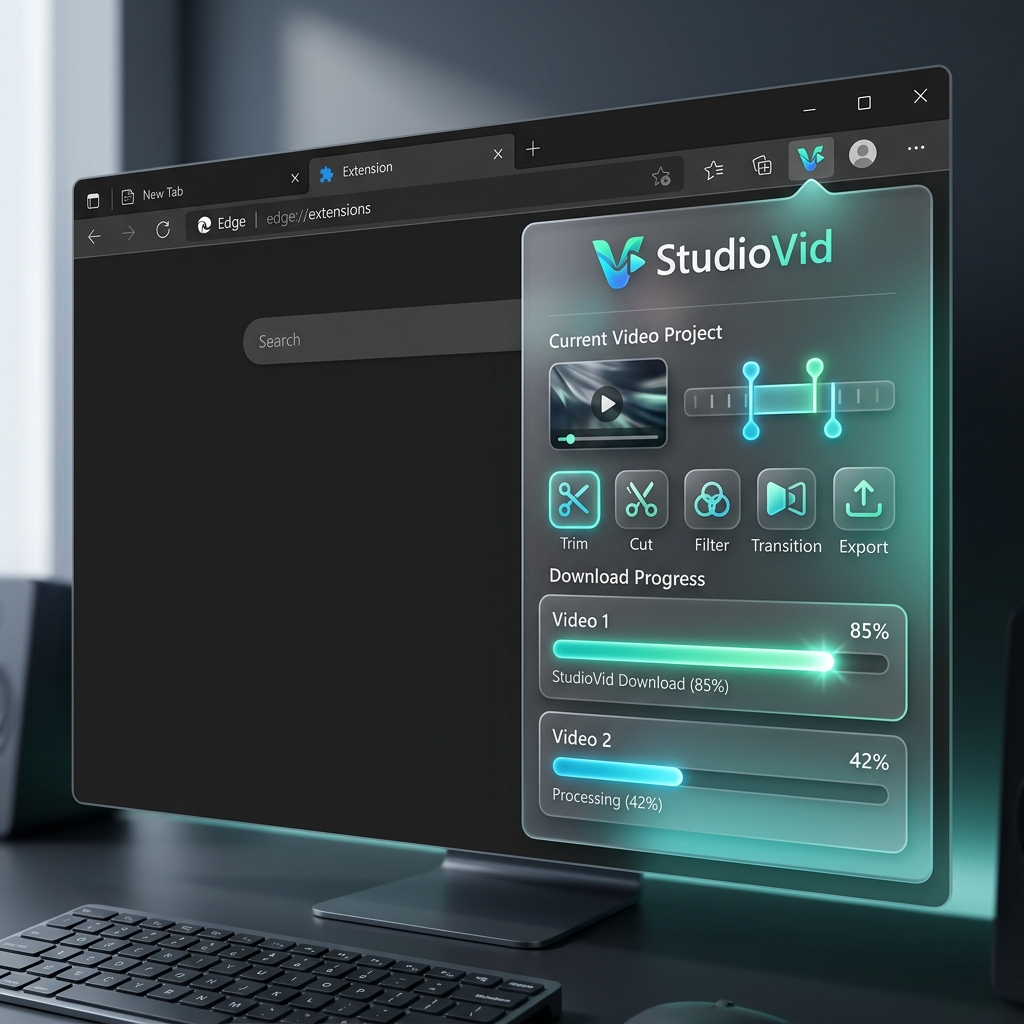
How to Download Videos on Microsoft Edge
Follow these simple steps to grab any M3U8 or MP4 stream directly from your Edge browser.
Install from Edge Add-ons
Get StudioVid from the Microsoft Edge Add-ons store. It is optimized for the Chromium-based Edge browser for maximum stability and speed.
Navigate to Video
Open any website containing a video stream. StudioVid works seamlessly with popular players using HLS, Dash, or standard MP4 protocols.
Auto-Detection
Once you start playing the video, the extension will automatically detect the stream. Look for the StudioVid icon in your toolbar to see found media.
Local Processing
Download the file to your drive or send it to our Workstation to edit it locally. No cloud, no tracking, just your files.
Edge Extension FAQ
Common questions about downloading videos on Microsoft Edge.
Is this extension specific to Microsoft Edge?
This version is specifically built and optimized for Microsoft Edge, taking advantage of the Chromium engine's native performance on Windows and macOS.
How do I capture live streams on Edge?
When a live M3U8 stream is detected, StudioVid allows you to 'Record' it. The extension will gather chunks and combine them into a playable MP4 file once you finish.
Does it support 4K video downloads?
Yes. If the source website provides a 4K stream, StudioVid will detect and download it in its original high-definition resolution without any compression.
Is my browsing data private?
Absolutely. StudioVid does not require an account and does not send any data to external servers. All video sniffing and downloading happens locally on your machine.
Can I use it on Edge for Linux?
Yes, as long as you are using the Chromium-based version of Microsoft Edge on Linux, the extension will function perfectly.
Where are my downloads saved?
The extension uses the default Edge download folder. You can change this location in your browser's general settings.